Search
云部署查看详情 ➔
pip install wxauto
pip install wxautox

# 或指定python版本安装:
py -3.12 -m pip install wxautox
注意仅支持 Python3.9 至 3.12
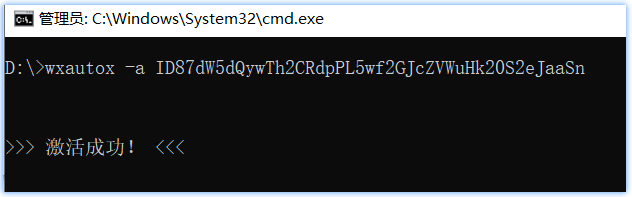
激活:
wxautox -a 激活码
from wxauto import WeChat   # 开源版
# from wxautox import WeChat   # ✨Plus版

# 初始化微信实例
wx = WeChat()

# 发送消息
wx.SendMsg("你好", who="文件传输助手")

# 获取当前聊天窗口消息
msgs = wx.GetAllMessage()

for msg in msgs:
    print('==' * 30)
    print(f"{msg.sender}: {msg.content}")
Success